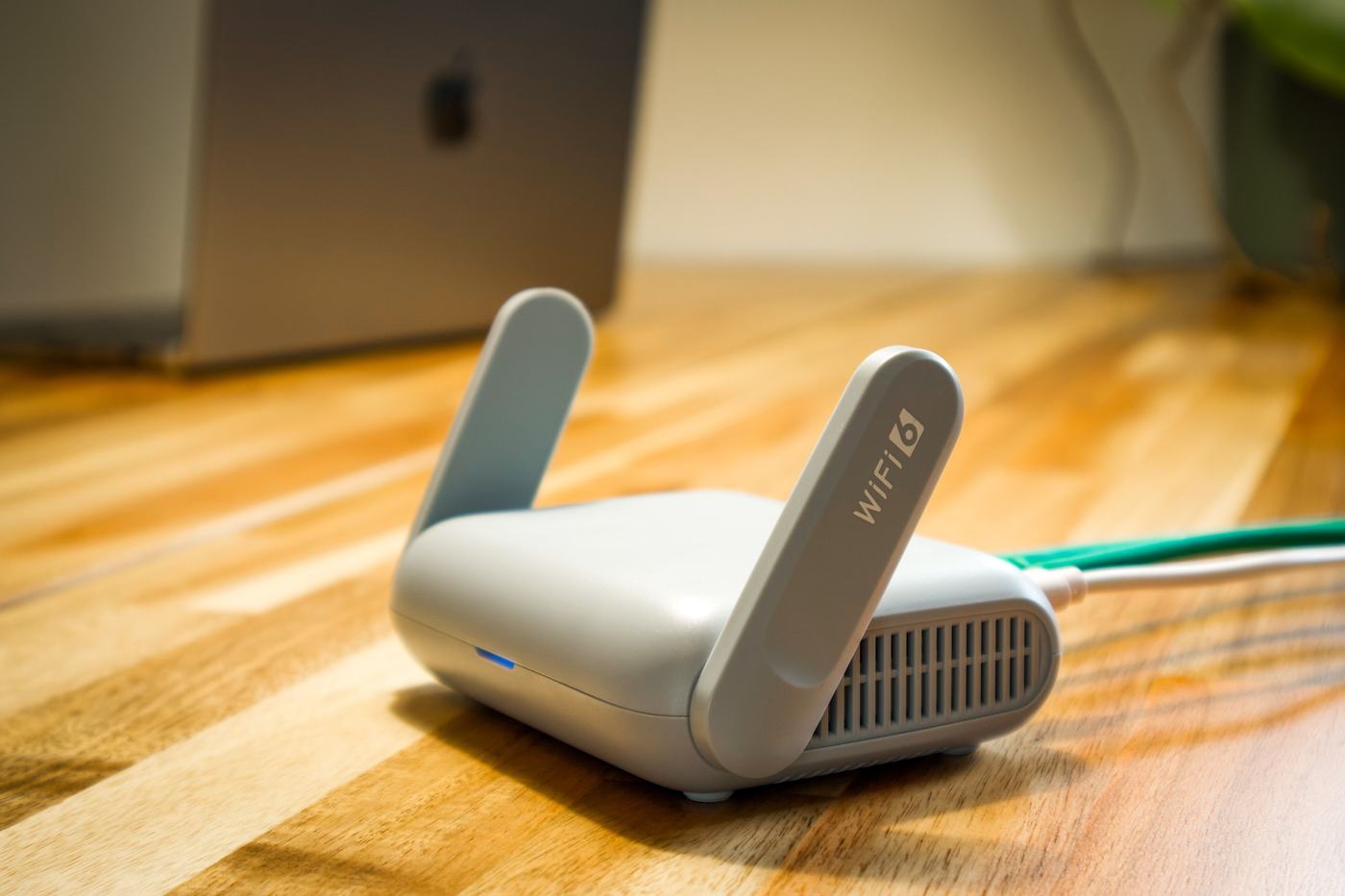
1. Always measure by ethernet cable if you can
The first step to knowing if your speed is correct is measuring it under the best possible conditions. That means connecting a computer directly to the router with an ethernet cable, without going through wifi.
It's important to understand that wifi always delivers less speed than the contracted line, and that's completely normal, not a fault. The wireless signal loses performance due to the distance to the router, walls and obstacles in the home, other nearby wifi networks that interfere, and the limitations of the device itself (phone, laptop, smart TV, etc.).
- If you can only measure over wifi, do it close to the router and with as few devices connected at the same time as possible.
- If you want to know the real speed reaching your home, measuring by cable is always the most reliable reference.
2. Use reliable tools to measure speed
Not all websites and apps that measure speed give equally reliable results. For a solid reference, rely on:
- Your provider's own official app or website: they usually have their own speed meter, designed specifically to check the service you contracted.
- Well-known, widely used speedtest tools: they're a good complement to cross-check the result against a source independent of your provider.
Comparing the result from several tools gives you a more realistic picture than relying on a single isolated measurement.
3. Run several tests at different times of day
A single measurement isn't enough to draw conclusions. Your connection's speed can vary depending on the time, so it's worth repeating the test at several moments:
- In the morning or at midday, when there are usually fewer people connected.
- In the evening, which is when the network gets most congested overall and it's common to notice somewhat less speed.
- On different days, to rule out a one-off issue.
4. What "up to X Mbps" means and when it's worth complaining
When you sign up for a plan, the speed shown usually comes preceded by the words "up to" (for example, "up to 600 Mbps"). That indicates a theoretical maximum, not a speed guaranteed at all times and under any condition.
That said, there is a reasonable limit beyond which it's worth complaining. It makes sense to contact your provider when, measuring by cable, under optimal conditions and repeating the test several times, you consistently get a speed well below what you contracted, for example less than half.
If the problem only appears when measuring over wifi, it's more likely that the cause lies in your internal network's coverage (router location, obstacles, interference) and not in the contracted line.