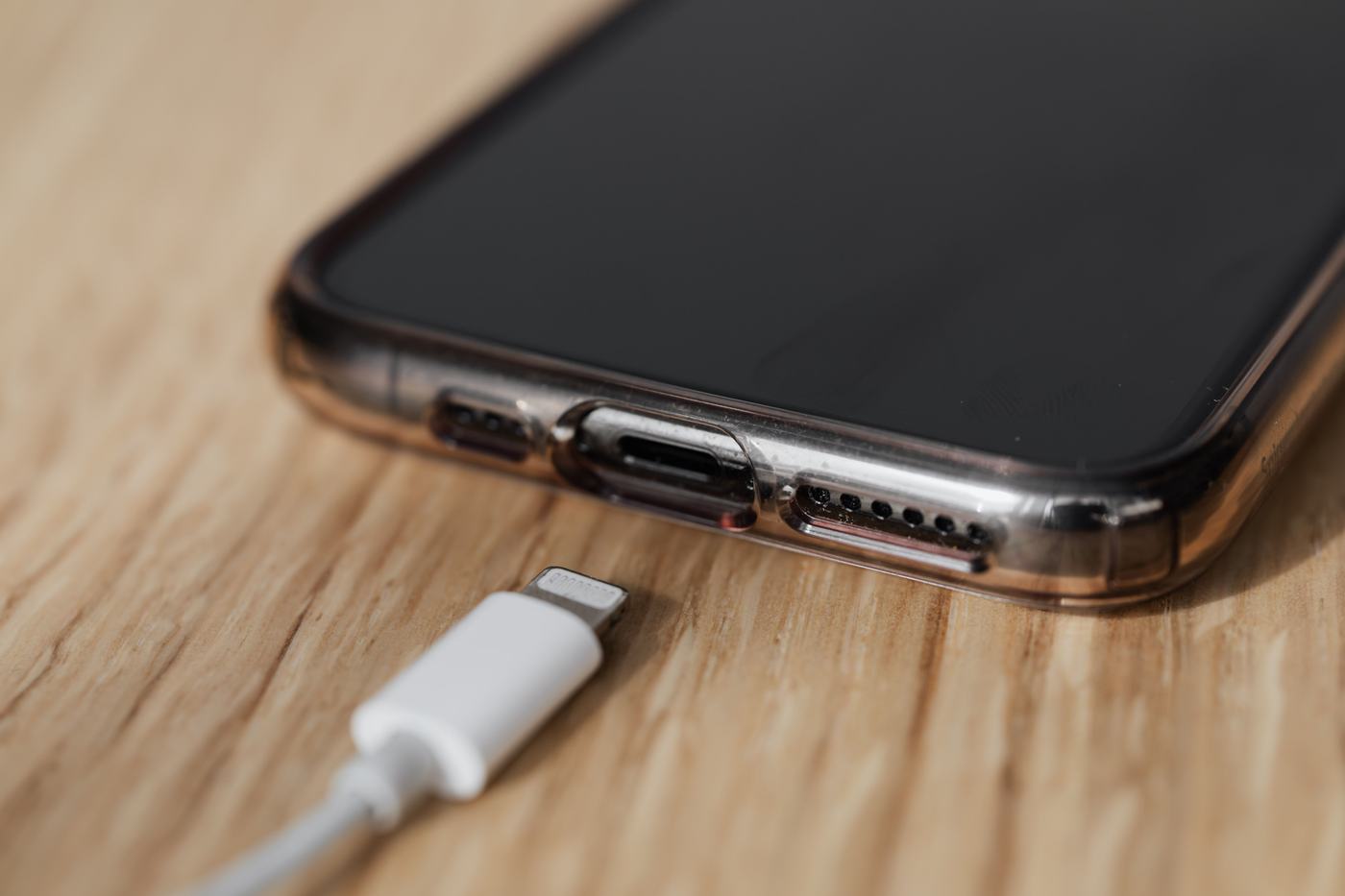
1. Too many apps running in the background
Demanding games, long video calls, or several GPS navigation apps at once put strain on the processor and generate heat. Close apps you're not using and check Settings → Battery to see which apps have used the most over the last 24 hours.
2. Charging your phone while using it
Using your phone intensively (gaming, watching videos) while it's charging generates more heat than any other situation, because the battery is receiving and delivering energy at the same time. If you notice a lot of heat, stop using it while it charges.
3. Direct use under the sun
Direct sun exposure, especially in summer, can make your phone heat up quickly and trigger a temperature warning. Move it away from direct sunlight and let it cool down before using it again.
4. Thick cases that don't dissipate heat
Some cases, especially thicker ones or those with a built-in battery pack, make it harder for heat to dissipate. If you notice frequent overheating, try removing the case while charging or gaming.
5. Battery in poor condition
Over time, batteries lose efficiency and generate more heat than normal even with light use. Check your battery's condition in Settings (on iPhone: Battery → Battery Health; on Android it varies by manufacturer).
6. When it should worry you
A phone that's warm during heavy use is normal. You should pay attention if:
- It gets very hot even when you're not using it (at rest).
- It turns itself off due to temperature.
- The casing bulges or warps.
- The battery drains much faster than usual.