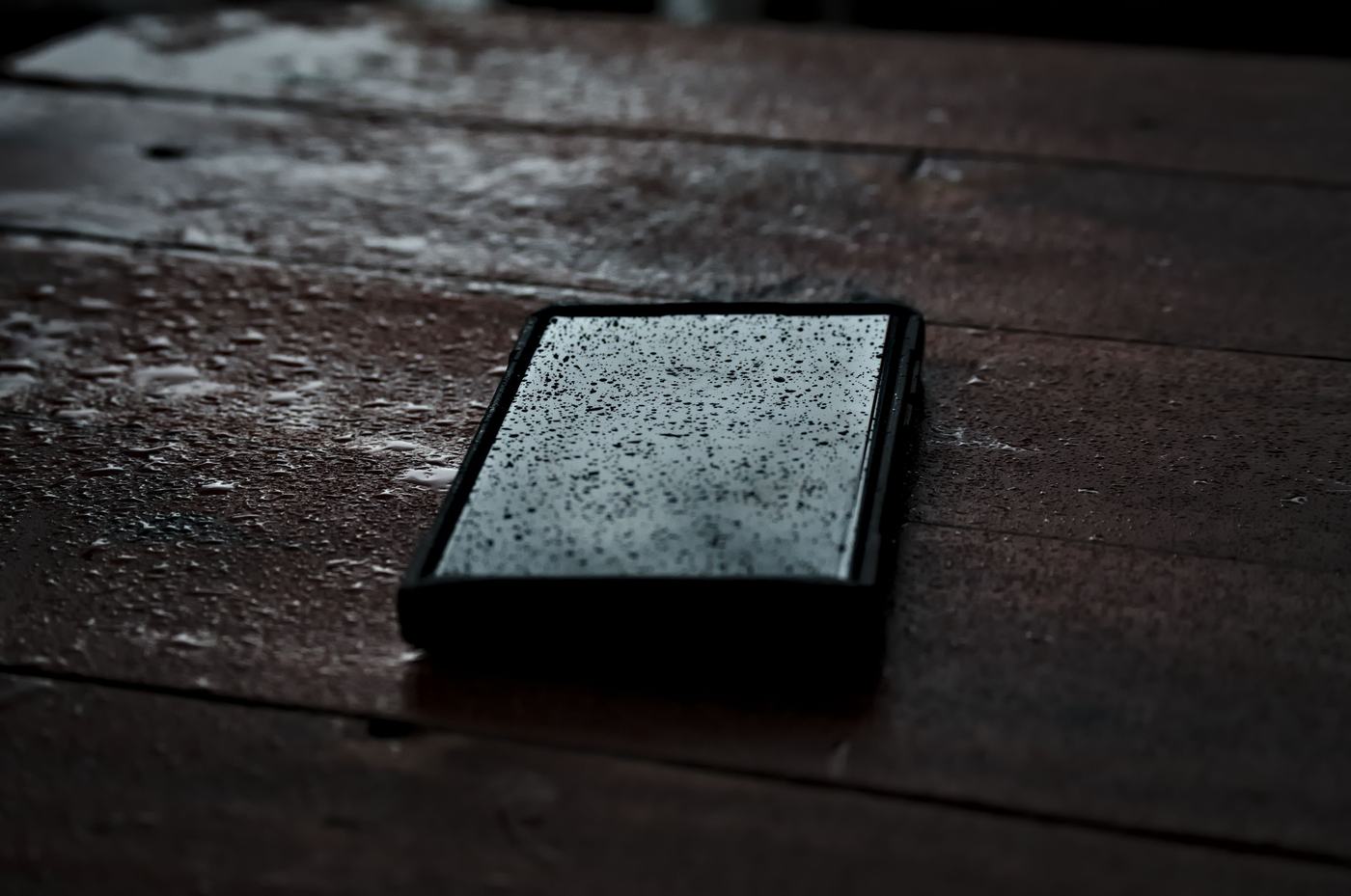
1. Get it out of the water and turn it off immediately
The first thing to do is get it out of the water or dry off the spilled liquid and turn it off as soon as possible, even if it still seems to be working normally. Don't turn it on if it was already off, and above all, don't plug it into the charger: the combination of electricity and moisture can cause a short circuit and damage the internal components.
2. Dry the outside with a cloth or absorbent paper, without rubbing
Using a soft cloth or absorbent paper, remove the water from the surface with gentle dabbing, without rubbing. Rubbing can push the moisture even further inside through the speakers, the charging port, or the microphone slits.
3. Remove the case and, if possible, the SIM/microSD card
Take off the case, since it can trap moisture between the phone and the shell. If your model allows it, also remove the SIM tray and the microSD card: this prevents water from getting trapped in those gaps and helps the inside air out and dry faster.
4. Don't use a hot hairdryer or put it in the microwave or oven
It might seem like a good idea to speed up drying with heat, but it's exactly the opposite: heat can damage the screen, the battery, and other internal components. Avoid a hot hairdryer, the microwave, the oven, or leaving it in direct sunlight; at most, use cold air at low power and from some distance.
5. Why rice isn't recommended
The rice trick is very popular, but it works worse than people think: rice barely absorbs the moisture trapped inside the phone, and on top of that, its grains and the dust they shed can get into the ports and speakers. It's better to let the phone air dry, in a dry, ventilated place, for 24 to 48 hours before trying to turn it on. If you have silica gel packets (the kind that come with shoes or new electronics), you can place the phone next to them in a closed container to help absorb the moisture.
6. Before turning it on, make sure the ports and screen are completely dry
After the drying period, check under good light that there's no visible moisture left in the charging port, the SIM slot, the speakers, or under the edges of the screen. If everything looks dry, you can try turning it on; if you notice condensation under the screen or the camera, wait a bit longer before trying.