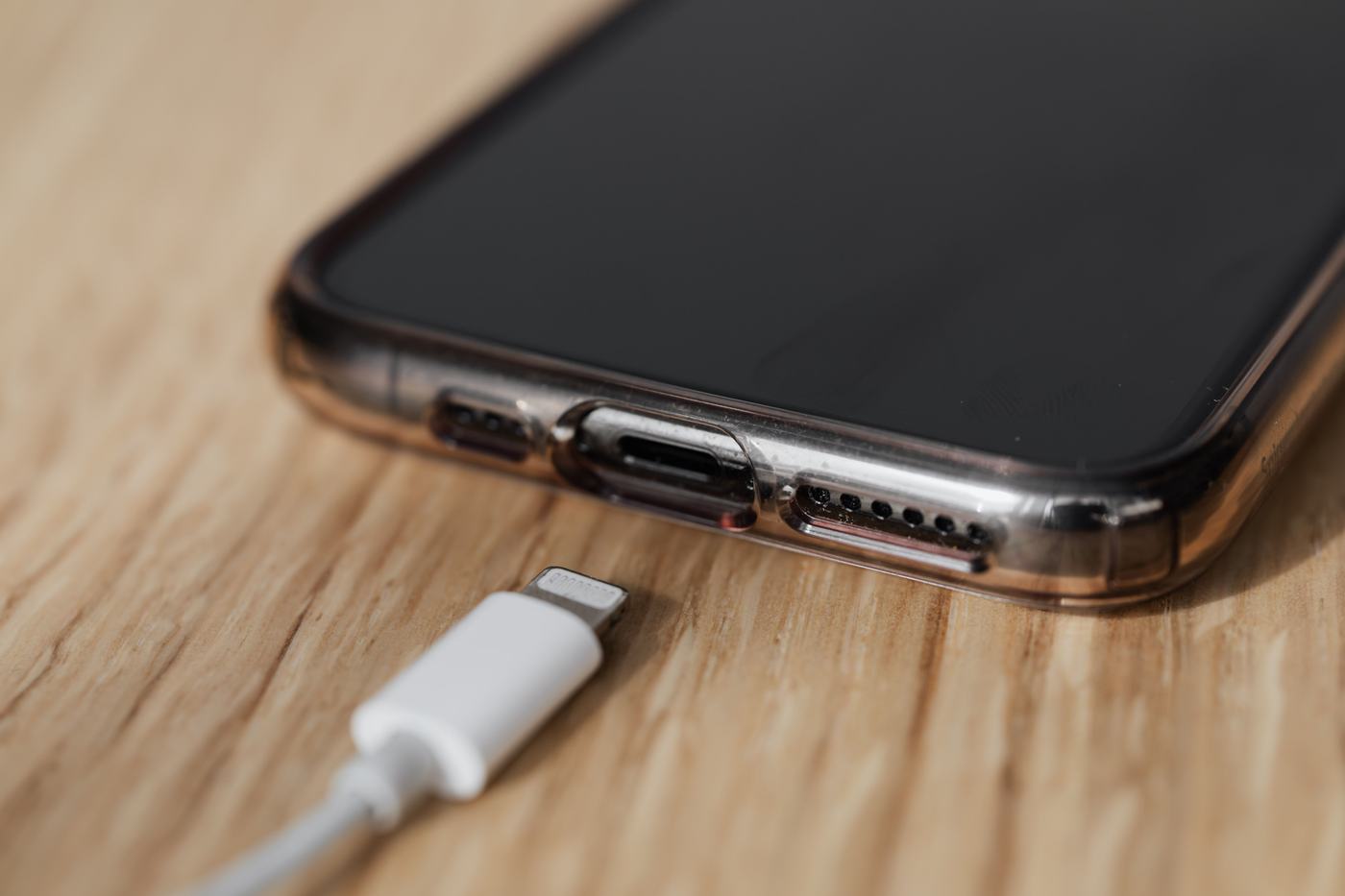
1. Try another cable and another charger
Often the fault is in the cable, not the phone or the battery. Cables wear out on the inside without it showing on the outside. Try another cable and, if you can, a different charger too, to rule out the problem being in either one.
2. Clean the charging port
With the phone off, check whether there's dust or lint built up in the charging port: it's more common than it seems and can prevent a good connection. Use a soft brush or a wooden toothpick to remove it carefully. Never use metal objects or liquids, as you could damage the connector.
3. Do a forced restart
Sometimes the phone doesn't respond to charging because of a small system glitch. Hold down the power button for a few seconds, or the power + volume down combination depending on the model, to force a restart. Afterward, plug the charger back in.
4. Check whether the charger has enough power
Use the original charger or one with similar power output. A very weak charger, or one meant for a different type of device, might charge your phone very slowly or not at all if the phone's power draw is higher than what the charger can provide.
5. Update your phone's software
Sometimes the problem is a known bug that's already been fixed in an update. Check in Settings whether there's a pending software update and install it.
6. When to suspect the battery
It's worth suspecting a battery problem when:
- The phone shows no sign of life even when trying another charger.
- The casing is swollen or misshapen.
- The problem has been getting progressively worse for weeks, charging worse each time.