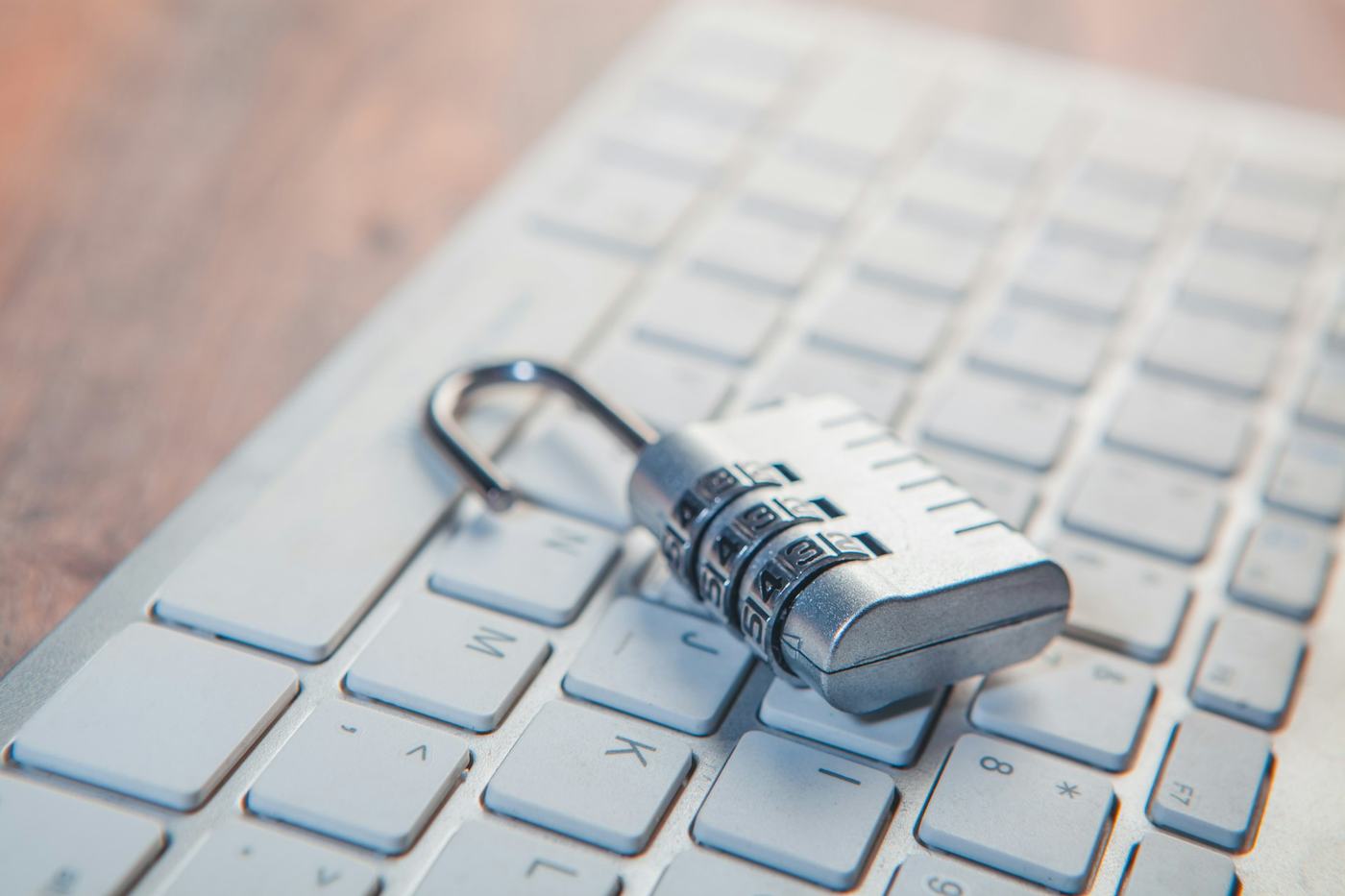
1. What actually makes a password truly secure
For years we've been told that a strong password should mix uppercase, lowercase, numbers and odd symbols. The problem is that this kind of password is so hard to remember that we end up writing it down on paper, in a note on our phone, or reusing the same one every time, which completely defeats its purpose.
What really makes a password strong is, above all, its length. A long phrase that means something to you but isn't obvious to anyone else — for example, joining several unrelated words together — is much harder to guess or for a program to crack than a short word with a couple of symbols tacked onto the end. And on top of that, you'll find it much easier to remember because you can build a mental image out of it.
2. Don't reuse the same password across several important accounts
It's very convenient to always use the same password, but it's one of the most dangerous mistakes. If that password leaks in a data breach at any service that uses it — and breaches happen constantly, even at large companies — anyone can try it on your email, your social media or your online banking.
Using a different password for each important account limits the damage: if one gets stolen, it doesn't compromise all the others. They don't need to be completely different from each other in every character; it's enough that it's not literally the same key opening several doors at once.
3. Use a password manager so you don't have to memorize them all
If every account needs a different, long password, memorizing all of them by heart is practically impossible. This is where a password manager comes in: a tool that stores all your passwords in encrypted form and fills them in automatically when you need them, so you don't have to type or remember them one by one.
There's no need to look for anything complicated or paid: most browsers and operating systems already include a free built-in password manager, ready to use without installing anything extra. The only thing you really need to memorize is a single master password, long and strong, that gives you access to the rest. Take good care of it, because it's the key that opens all the others.
4. Two-step verification, an extra layer even if the password leaks
Not even the longest, most original password in the world protects you completely, because the risk of a service suffering a breach doesn't depend on you. That's why it's worth adding an extra layer of protection: two-step verification.
With two-step verification turned on, even if someone gets your password they'll also need a second element to get in, such as a code that arrives on your phone or that an app generates. It's the difference between a stolen password being a simple scare or turning into a real headache. If you don't have it turned on yet for your most important accounts, it's one of the highest-impact steps you can take today.