HomeWhatsApp › How to tell if you've been blocked on WhatsApp

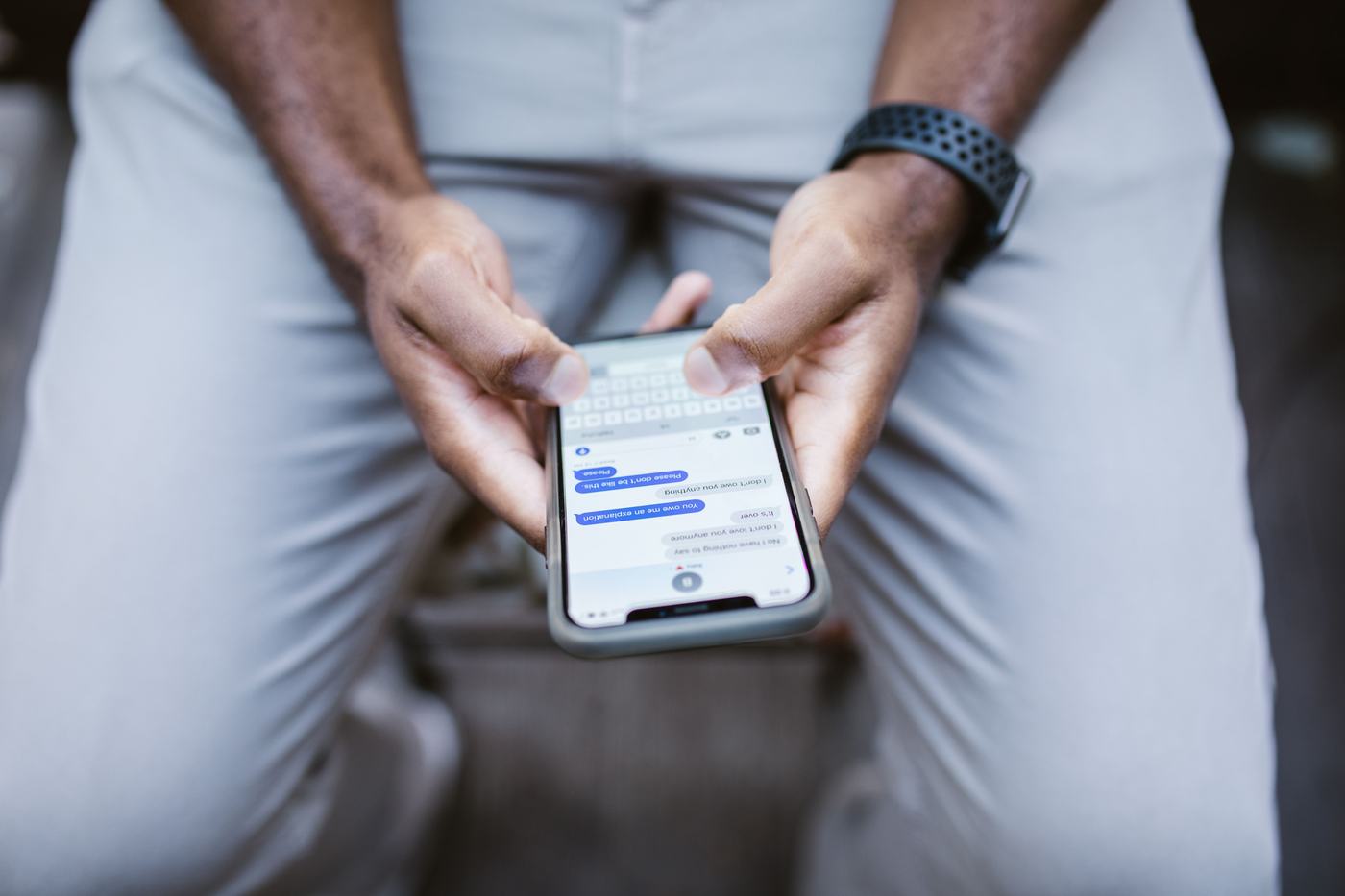
Person typing a message on their phone

How to Tell if Someone Has Blocked You on WhatsApp

Updated in 2026 · 5 min read

WhatsApp doesn't send any notice when someone blocks you, so there's no direct way to check it. However, there are several signs that, seen together, can give you a fairly reliable clue. Go through all of them before drawing conclusions: none of them, on its own, is definitive proof.

In this article:

  1. You no longer see their last seen time or "online" status
  2. Their profile photo never changes or updates
  3. Your messages always stay on a single gray checkmark
  4. You can't make voice or video calls to them
  5. They don't show up when you try to add them to a new group
  6. Why no single sign is conclusive on its own

1. You no longer see their last seen time or "online" status

If you used to see when that person was last online and that information suddenly disappears, it can be a sign. By blocking you, that person stops sharing their last seen time and "online" status with you, even though they keep using WhatsApp normally with the rest of their contacts.

2. Their profile photo never changes or updates

Another clue is that their profile photo stays "frozen." If that person changes their photo from time to time and you stop noticing it, you may no longer have access to their updated image because they've blocked you. Careful: if they never had a photo, or had it hidden from you for privacy, this sign is useless.

3. Your messages always stay on a single gray checkmark (never reach two)

When a message is delivered correctly, two gray checkmarks appear, and if it's read, they turn blue. If your messages to that person permanently stay on a single gray checkmark, never turning into a double checkmark no matter how much time passes, it's one of the most commonly cited signs of a block.

4. You can't make voice or video calls to them on WhatsApp

Try calling them on WhatsApp. If the call doesn't go through, cuts off immediately, or simply doesn't ring at all, it could be due to a block. The same happens with video calls.

5. They don't show up when you try to add them to a new group

Try creating a new group and adding that person by their number. If WhatsApp won't let you include them, or the system doesn't show them as available to add, it could be another sign of a block.

6. Why no single sign is conclusive on its own

Although these signs usually appear together when there's a real block, each one on its own has perfectly normal alternative explanations: the person may have their phone off or out of battery, be several days without data or wifi, have turned off last seen in their privacy settings (which also hides yours), or simply have uninstalled the app. That's why, before assuming you've been blocked, check several signs at once and, if possible, over several days.

Watch out for "miracle" apps: there are apps and websites circulating that claim to confirm WhatsApp blocks with 100% certainty. They don't work, because WhatsApp doesn't provide that information to third parties, and many of them ask for access to your contacts or other personal data in order to actually keep that information. Always avoid them.
✔ If after checking all these signs for a few days they keep matching up, it's very likely you've been blocked. Even so, there's no 100% certain way to confirm it from outside their account.
Advertising space (Google AdSense)

Frequently asked questions

Is there a reliable app to know if I've been blocked on WhatsApp?

No. WhatsApp doesn't offer any official feature to confirm this, and third-party apps or websites that promise it don't have real access to that information; many of them just want your personal data or your contacts'. Avoid them.

Can I unblock myself if someone has blocked me?

No, the block is controlled solely by the person who activated it from their own WhatsApp. Only they can unblock you by going into their list of blocked contacts.

If I delete and reinstall WhatsApp, does that remove the block?

No, the block is tied to your phone number on the other person's WhatsApp, not yours, so reinstalling the app doesn't change anything.

You might also like

Have questions about this article?

Write them in the comments and we'll help you out. To comment you need to register (with email, Google or Facebook). Comments only load if you accept cookies.